










Ogvio Account
Send money instantly & free to another Ogvio account using their @Tag or payment link.
Fastest & cheapest
Works with trusted banks & wallets












Ogvio is one of the easiest and cheapest ways to send money to India online.
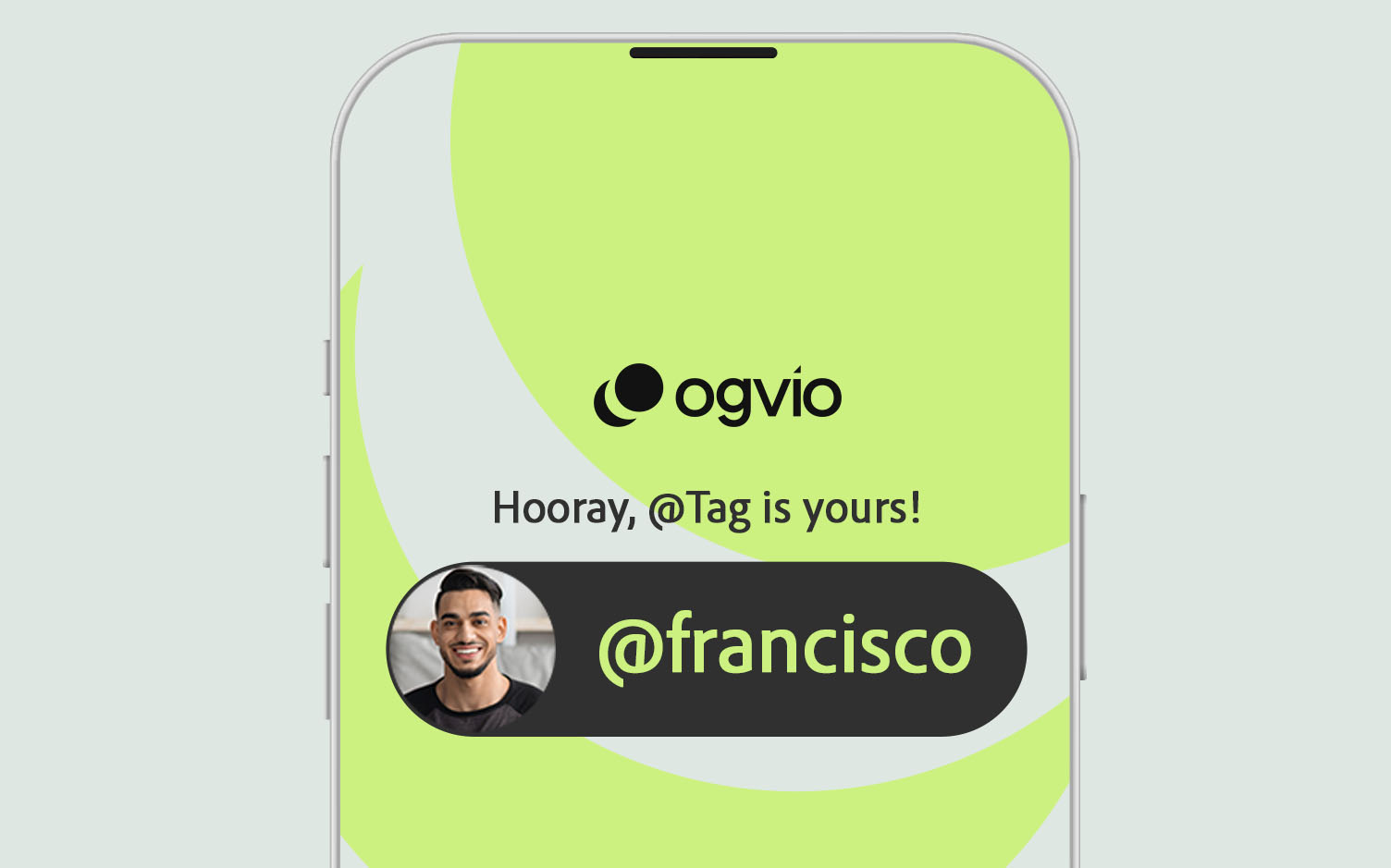





Send money instantly & free to another Ogvio account using their @Tag or payment link.

Send money directly to any of the supported banks in India.

Send crypto on the Base chain to another Ogvio account or an external wallet.

Top up your account with a credit/debit card & send money in any of the supported methods.

Fund your balance with Apple Pay or Google Pay & use any of the supported methods to send money.
Using the Ogvio @Tag is the easiest, fastest & cheapest way to send money to India. Just pick the name and hit send.
Create account






Help friends and family discover Ogvio and get rewarded when they start sending and receiving money.

Have questions? Find answers!
Sending money to other Ogvio users in India is completely free, and there are no fees for account setup or crypto top-ups. With actions that have a cost, like bank transfers, you'll see it all upfront - we don't have any hidden fees.
Check out Ogvio pricing
Transfers to another Ogvio account in India are instant, usually arriving within a few seconds. Bank transfers may take longer depending on the payment method and bank. You'll see the estimated time after making a transfer.
Yes, it's safe. We're an MSB-licensed service, and we protect every transfer to India with strong encryption and secure on-chain technology, so only you control your money. We show all fees upfront and use regulated channels for sending funds to each supported country.
Learn more about Ogvio security
Transfers to India have no limit when you send to other Ogvio users using @Tags or payment links. There's also no limit when you use UPI or IMPS Instant to send INR from Ogvio to local bank accounts. However, specific banks might have their own limits or additional checks for large transfers.
If you want to make a transfer to another Ogvio user, you'll just need their @Tag or a payment link they can generate. For transfers to Indian bank accounts, it depends on the payment method. If you go with UPI, you'll need your recipient's UPI ID (like name@bank). For transfers via IMPS, you'll need your recipient's bank account number, IFSC code, and full name.
Yes, Ogvio supports Unified Payments Interface (UPI) as a payment method for external transfers in India, so you can easily send money to a UPI ID.
A Foreign Inward Remittance Certificate (FIRC) is only needed when the recipient in India must show official proof of foreign income, such as freelancers, businesses, or exporters. For personal transfers sent to family or friends, a FIRC is not required and the money arrives without any extra documentation.